
The status updates your CSR shouldn't have to make by hand

Some messages fire on a bucket move; others fire on an event – a flagged part arriving, the first Complete photo off a bodytech's phone, or a customer who hasn't answered the damage-photo request inside the wait you set, forty minutes by default. The review request lands seven days after that Complete photo, and it shows Google and Yelp links only when the rating clears the threshold you set. Every template behind all of it is yours to rewrite.

Band
Hours the job costs you
Package
Base + Customer Service

What it costs you today

  1. 01

    Every status change is a phone call unless somebody remembers to make it, and somebody always forgets.

  2. 02

    The Work Authorization sits on a clipboard until the customer walks in to sign it, so drop-off waits on paperwork that could have been done remotely.

  3. 03

    Nobody asks for a review until weeks after pickup, if at all, so the good jobs go unrated the same as the bad ones.

How it works

  1. 01 / Configure

    Buckets carry the message

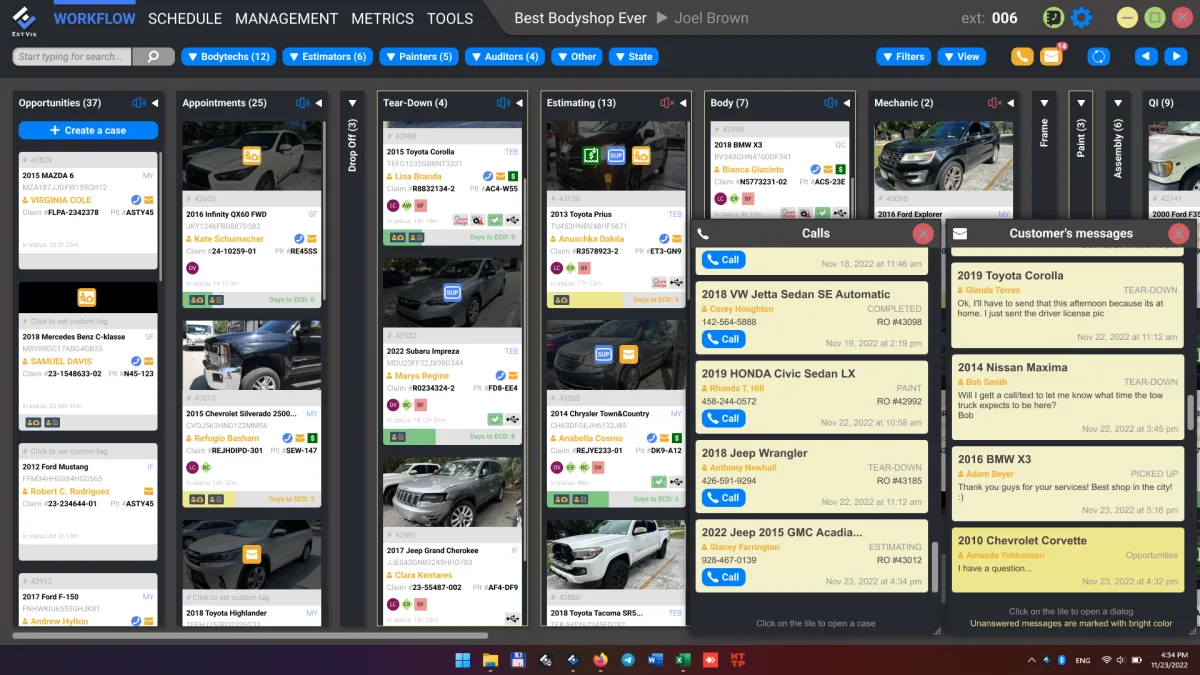
    Attach a SendCustomerMessage action to any bucket on the Workflow board, and every case that lands there fires the matching SMS or email template – no per-case setup.

  2. 02 / Notify

    From assignment to pickup, automatically

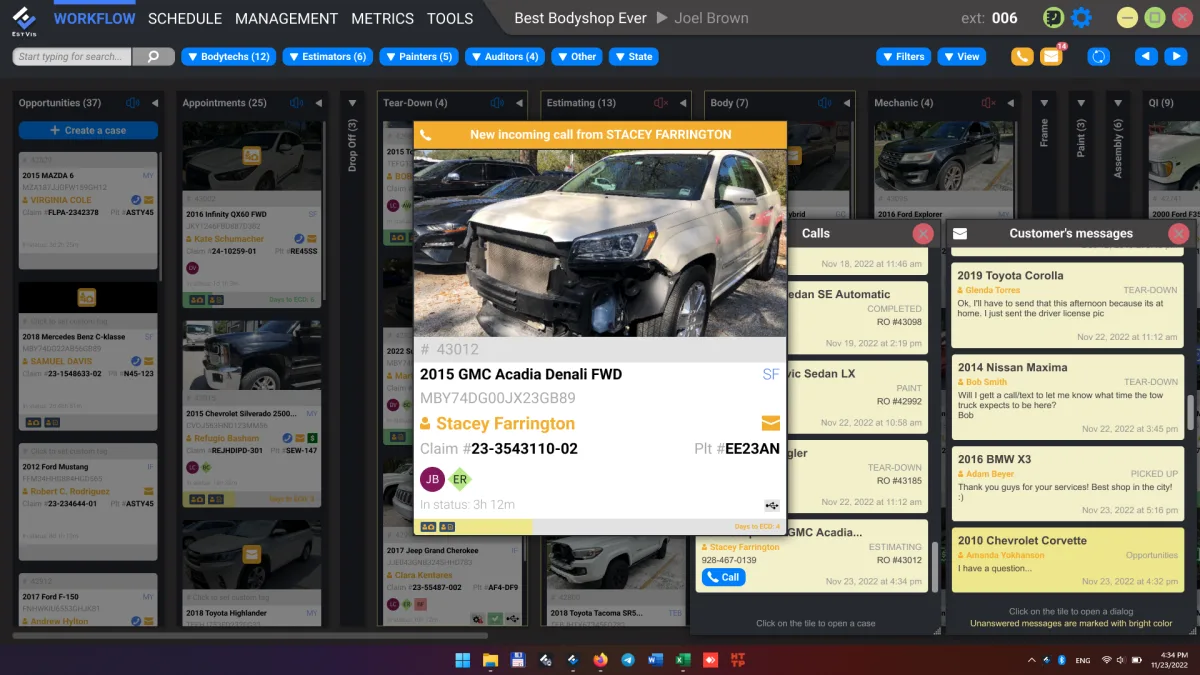
    Damage-photo and Work Authorization requests go out the moment a case is created. Status updates fire on every bucket move. A pickup notice fires off the first Complete photo. Seven days later, a follow-up asks for a rating.

  3. 03 / Answer

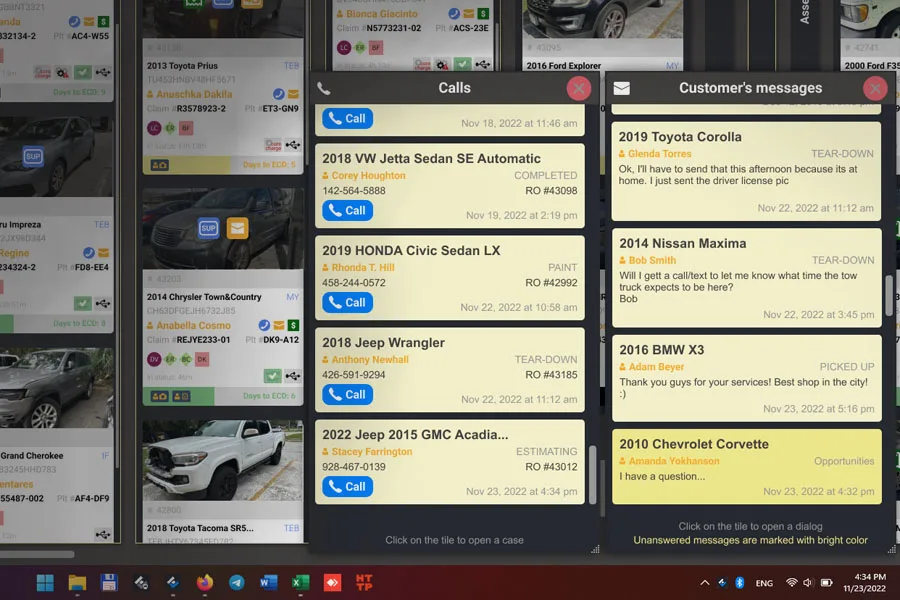
    Replies land inside Workflow, not on a personal phone

    Customer texts and emails collect in one thread per case, so whoever is at the desk can pick up the conversation where the last person left it.

  4. 04 / Convert

    Upsell offers and reviews, gated by the bucket and the rating

    An additional-services menu goes out when a case reaches the configured bucket, and review invites to Google and Yelp go only to customers who rated the shop above your threshold.

EstVis case detail with the customer messaging thread and the bucket-triggered notification history

What you get

Runs on

  • Desktop Server

    Runs on your own hardware, on-premise. Keeps working through an internet outage.

  • Workflow

    The Windows application your team works in all day. Unlimited installs.

  • Mobile Client

    iOS and Android, for the work that happens away from a desk.

What to buy for this

Base + Customer Service$178/mo billed annually

Customer Service layers on top of Base. That pairing gets the phone off your CSR's desk without adding a single notification anyone has to remember to send.

Also consider VoIP integration puts the case on screen before the handset is picked up, using Asterisk caller ID, and adds call recording and the dormant-customer report. Together with the above that is $207/mo billed annually.

See the full pricing breakdown

Questions shops ask

Do customers reply, or is this one-way?
Two-way. Customer replies land in the same thread inside Workflow, so whoever picks up the case sees the whole conversation, not just the last message.
Can we turn off the review request for one customer?
Yes. Review invitations can be disabled per case, including from the mobile app.
What happens with a customer who never answers?
The pipeline keeps sending on its configured schedule. Repeated non-responders show up on the dormant-customer report once VoIP is connected.
Does the customer see their own satisfaction score?
No. The Customer Satisfaction Index is calculated on a scale up to 10.0 and stays visible to the shop only.

Next